Before Starting – Azure VMs

Azure automatically installs an additional Key Storage Provider that is broken by default on Windows Server 2019, 2022 and 2025. This broken provider stops the AD CS installation wizard working correctly and because of this no additional KSP can be used by default.

To fix, open the registry editor and delete the following key fromt he server and then reboot.

  • HKEY_LOCAL_MACHINE\SYSTEM\CurrentControlSet\Control\Cryptography\Providers\Microsoft Azure Integrated HSM Key Storage Provider

This KSP does not work by default and therefore can be removed.

As alternative way to remove is to simply unregister it as follows:

  • certutil -csplist
  • “C:\Program Files\Xorble\XorbleKVKSP\XorbleKSPRegisterProvider.exe” -unregister “Microsoft Azure Integrated HSM Key Storage Provider”
  • certutil -csplist

Install and Configure AD CS to use the KSP.

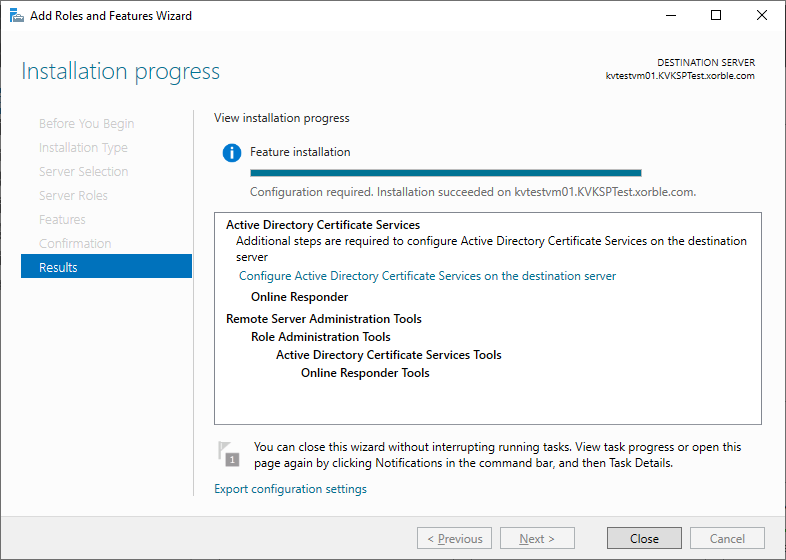
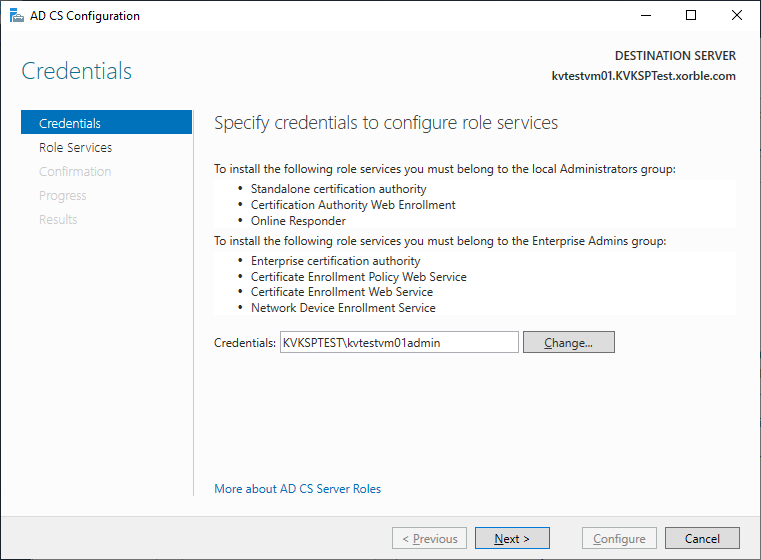
First add the Certification Authority role to the server, then select configure and Next:

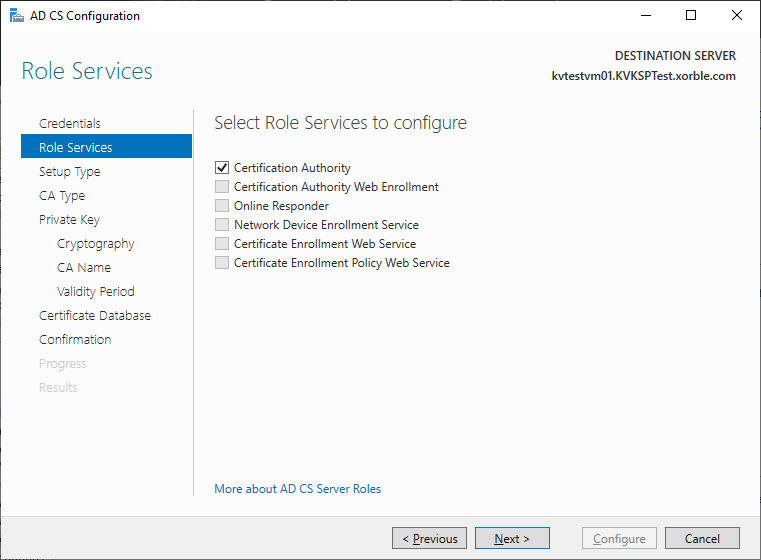
Select Certification Authority and Next, Next:

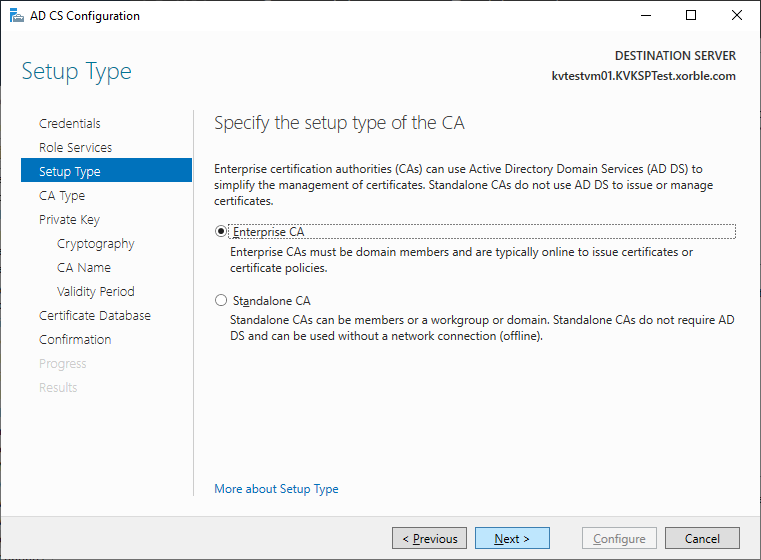
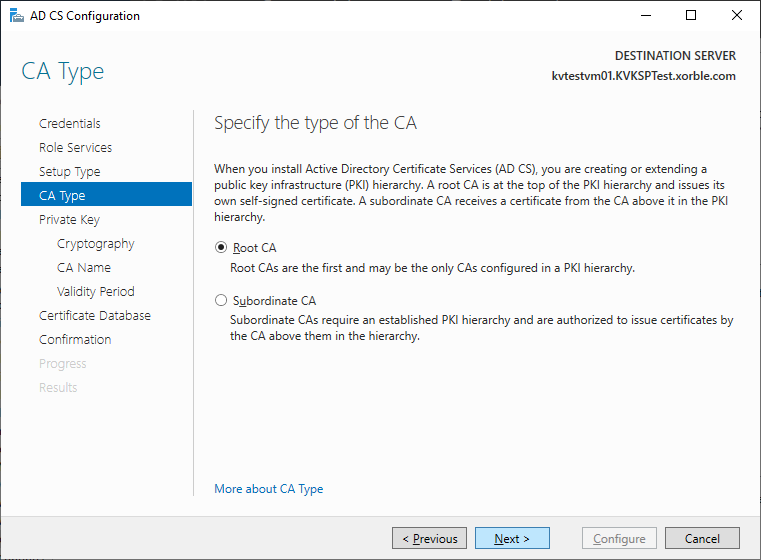
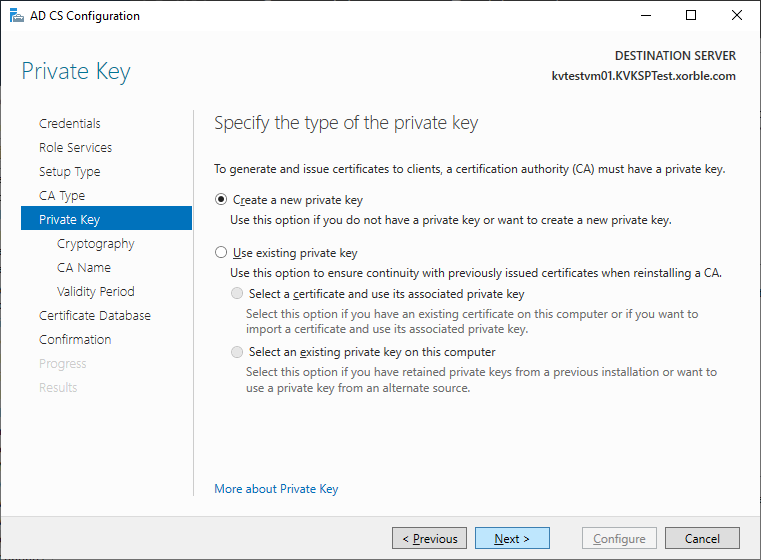
Select either Root CA or Subordinate CA, in this sample a new Root is selected and Next and then select Create a new private key and Next: